
Keeping Leapwork up to date helps you access the latest capabilities and improvements.
To view release notes, go to the Releases page.
On this page you can find the most recent releases and open the release notes for each version.
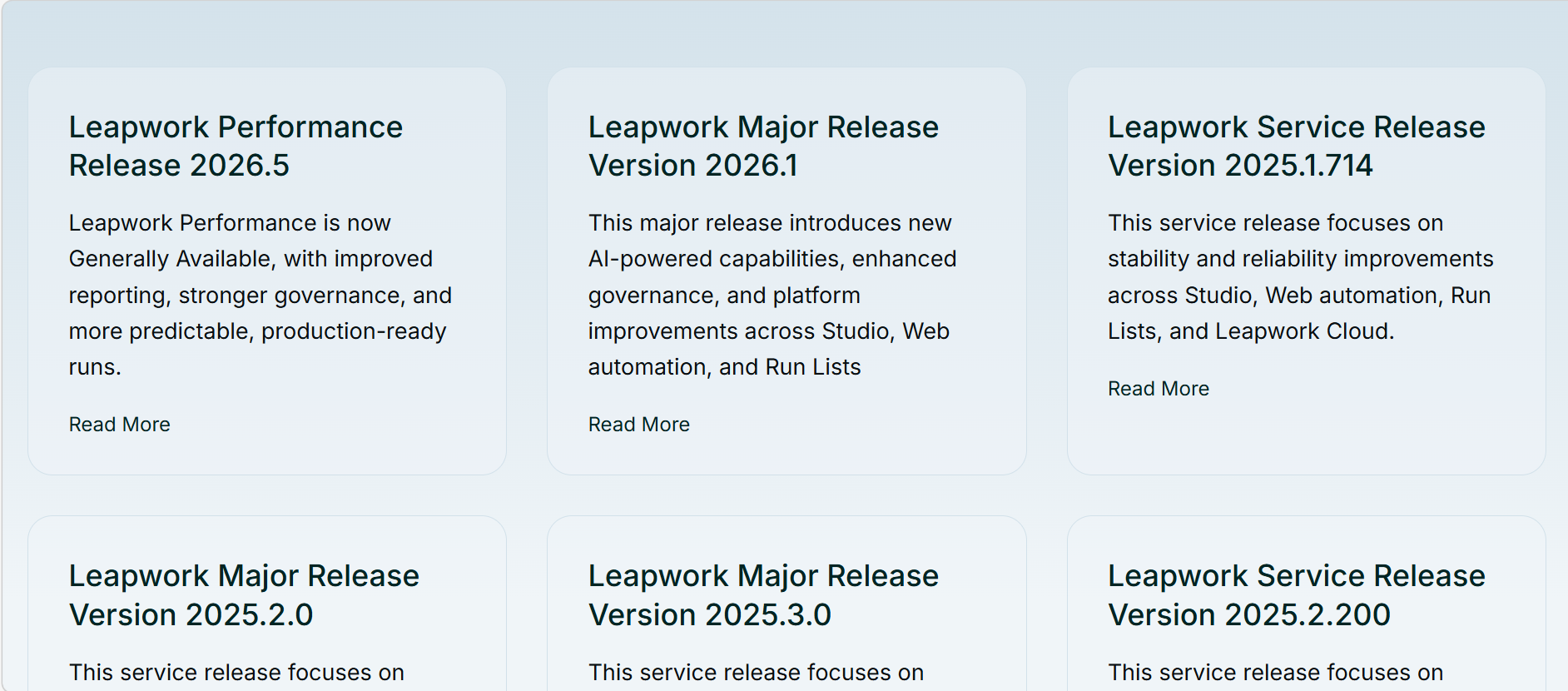
Leapwork publishes two types of releases:
-
Major releases are published every quarter.
-
Service releases may be published after a major release. They typically include stability, performance, and reliability improvements, plus smaller enhancements that help keep your environment running smoothly.
How to download the latest version
To download the latest release:
-
Log in to the Customer Portal.
-
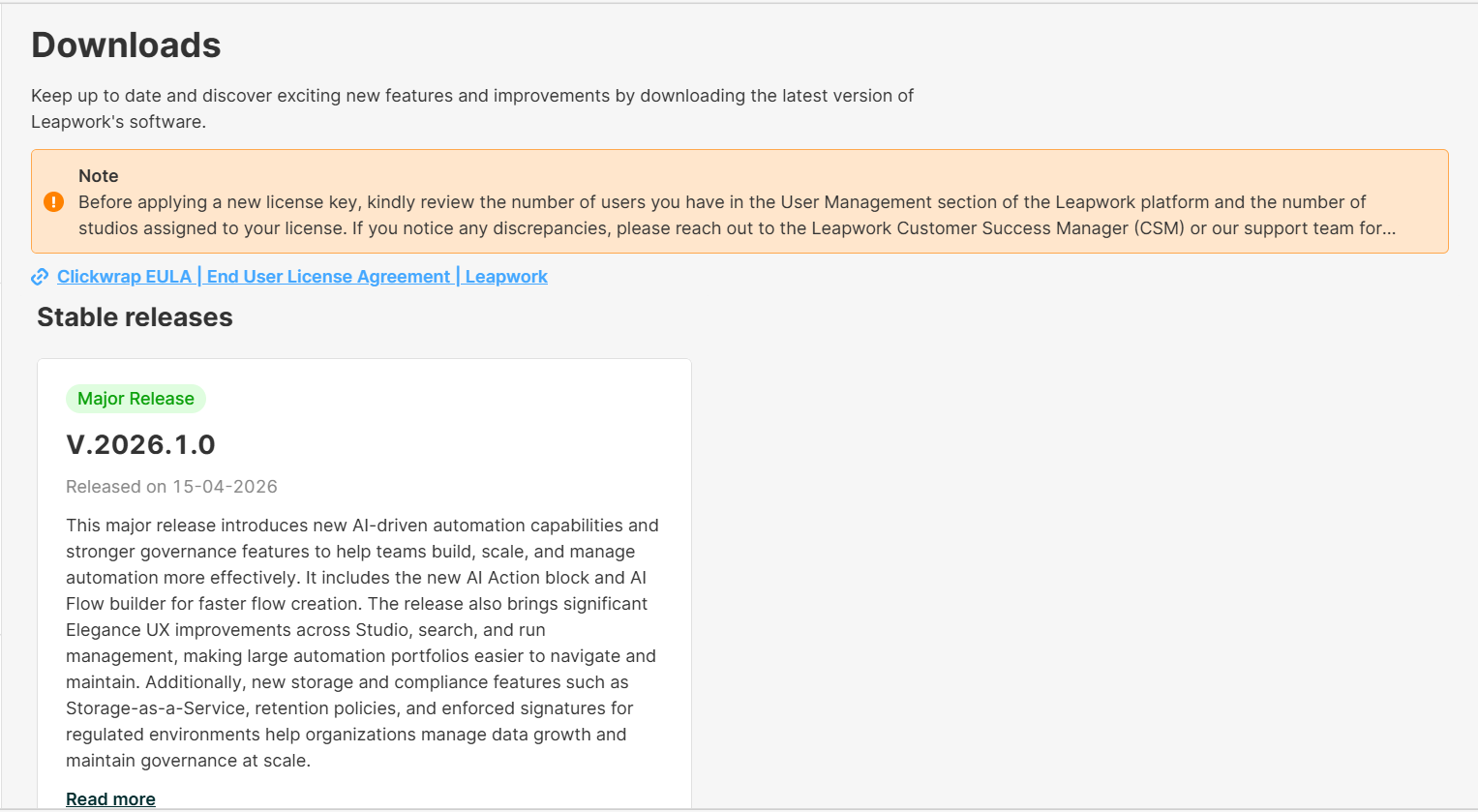
Go to Customer Portal > Downloads.
-
Open the card for the latest release.
In the release card, you will find:
-
A brief summary of the release
-
A link to the release notes
-
A download button for the installer files (MSI or ZIP), depending on what you need.
Install Leapwork
Installation steps depend on your deployment model and edition. Follow the Installation documentation for the right path.