
This release marks a significant milestone with the official rebranding of Leapwork Performance to Leapwork Go, introducing a refreshed visual identity across the platform. Alongside this brand evolution, we have introduced powerful new capabilities for WebSocket traffic capture and real-time authentication monitoring, while delivering critical performance optimizations for large-scale HTTP response handling and sequence recording.
What’s new
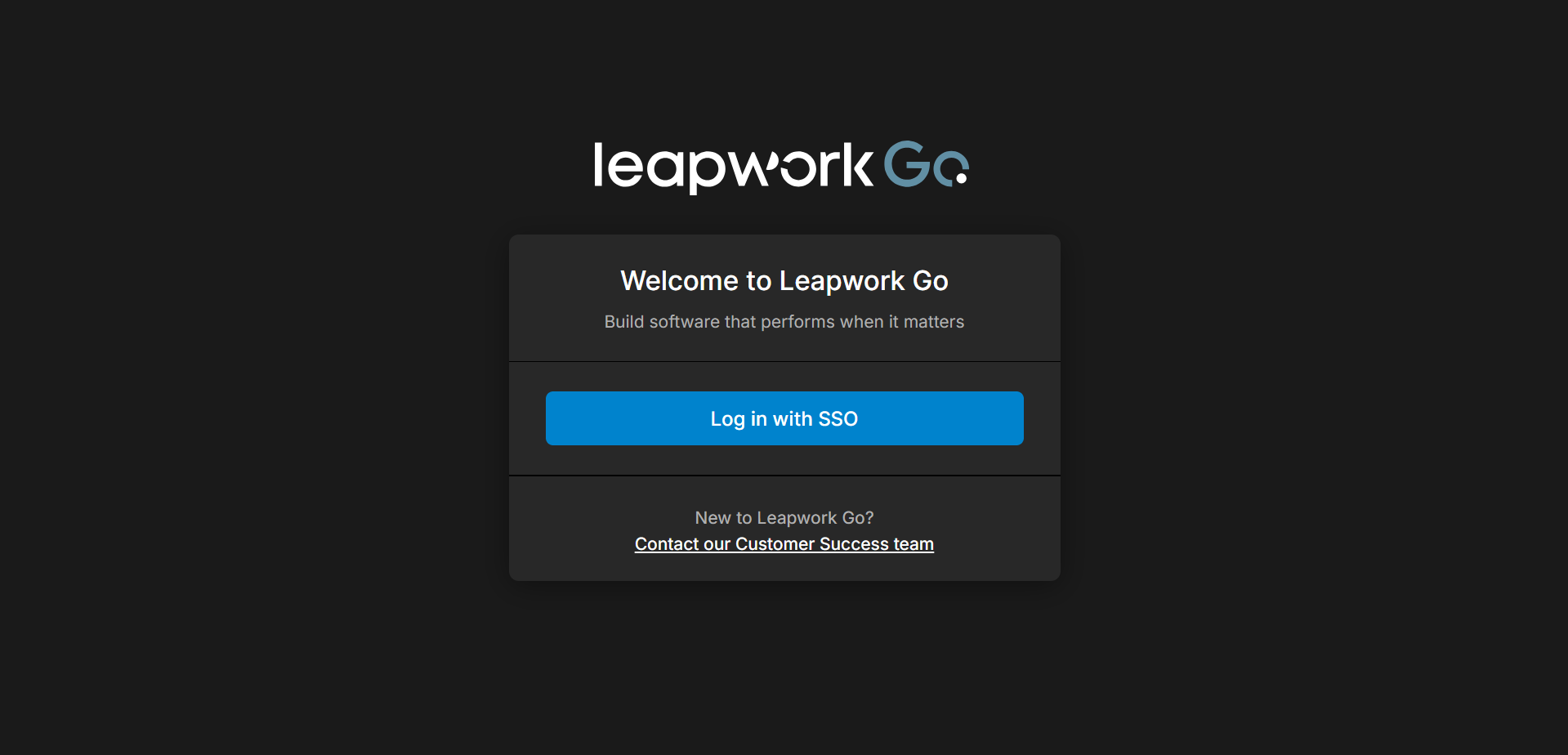
Rebranding to Leapwork Go
The platform has been fully rebranded from Leapwork Performance to Leapwork Go. This update includes a new logo, updated product naming, and a refreshed visual theme across the login pages, home screen, reports, and the Admin Portal to provide a more modern and streamlined user experience.
WebSocket Traffic Support
Users can now record and replay WebSocket connections, including support for bi-directional message exchange. This enhancement allows for the performance evaluation of backend systems using raw WebSockets, SignalR, and GraphQL protocols, ensuring that connection states and messages are captured and replayed in a predictable, strict order.
Live Authentication Logs and Screenshots
To improve transparency during the preview process, the platform now displays real-time authentication logs and screenshots for sequences requiring Active Directory (AD) authentication. This allows users to monitor the authentication status as it happens, view behind-the-scenes activity, and quickly identify the root cause of any login failures.
Dynamics 365 CE Application Support
Leapwork Go now includes support for recording, importing, and replaying Microsoft Dynamics 365 Customer Engagement (CE) application flows. This improves reliability for complex Dataverse-based scenarios by capturing and reusing dynamic IDs across requests, enabling recorded and HAR-imported D365 CE sequences such as opportunity creation to replay successfully.
Full HTTP Response Capture
The platform now supports the capture of complete, non-truncated HTTP response bodies. This is particularly critical for enterprise applications like Microsoft Dynamics 365, where large responses contain dynamic session-based control IDs that must be accurately extracted and correlated for reliable script execution.
Incremental Sequence Streaming
Recording logic has been optimized to stream captured HTTP steps directly into the sequence in real-time. Instead of buffering traffic and saving only when the session ends, steps are now appended incrementally, allowing users to see their recorded traffic immediately while the recording is still active.
What’s updated
Sequence Filtering Enhancements
A new filter icon has been added at the sequence level, allowing users to exclude unwanted calls—such as CORS preflight options or specific response types—directly from the Preview Run. These filters are automatically reflected in the Timeline Run, helping users focus their analysis on relevant requests.
Deep-Clone Performance Optimization
Internal data handling has been optimized by replacing legacy cloning operations with native browser methods. This technical improvement reduces front-end overhead and improves the responsiveness of the UI when managing complex timelines and track items.
Timeline Execution and Graphing Improvements
The logic for rendering timeline execution graphs has been refined to ensure data is plotted accurately for every second of the run. These optimizations resolve previous synchronization issues between multiple tracks and ensure that gaps between track items are strictly respected during execution.
Bugs and Improvements
This release includes the following fixes to improve stability and reliability:
-
Improved reliability of Preview Runs, including sequence execution, authentication, status updates, run logs, and region-specific execution.
-
Resolved multiple authentication issues, including incorrect and unnecessary authentication logs, missing authentication cookie messages, and branding inconsistencies in the authentication window.
-
Fixed issues where the UI became unresponsive when viewing or saving large response bodies.
-
Resolved issues with timeline execution, including sequence switching, graph rendering, drag-and-drop behavior, background UI updates, and CI/CD-triggered runs.
-
Fixed bulk deletion and improved parameter search highlighting.
-
Corrected issues with run results, including missing status code tooltips and disappearing Preview Run log sections.
-
Prevented secure values from appearing in captured responses when using focused capture mode.