
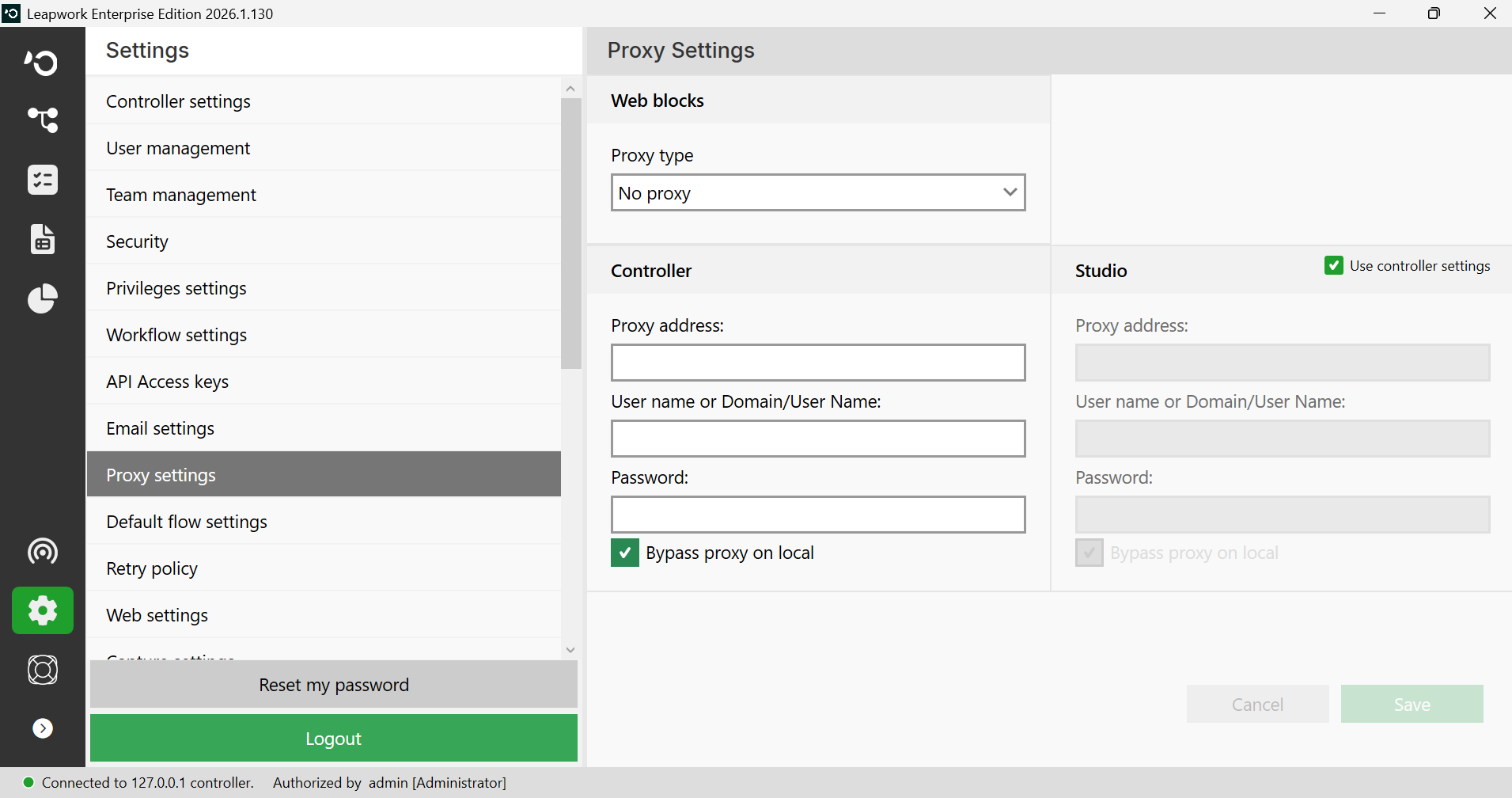
Depending on your organization’s network topology, you may need to access websites and web applications through a proxy. You can configure this in Flow’s Proxy Settings section.
Note: Proxy settings would be available if you are logged in as an administrator.
You can set separate proxy settings for Flow and the Controller if they reside in different network zones without a shared proxy. By default, both use the same proxy setting.
Note: Automatic detection of the proxy is supported, depending on the configuration of the proxy.
Alternatively, it can be configured manually by entering the required parameters for:
-
Proxy address
-
Username and password to log in to the proxy
Note: These credentials are stored encrypted on the Controller.
To read more about setting up proxies for Leapwork, visit Security section.