
In Workflow settings you'll find the possibility of configuring:
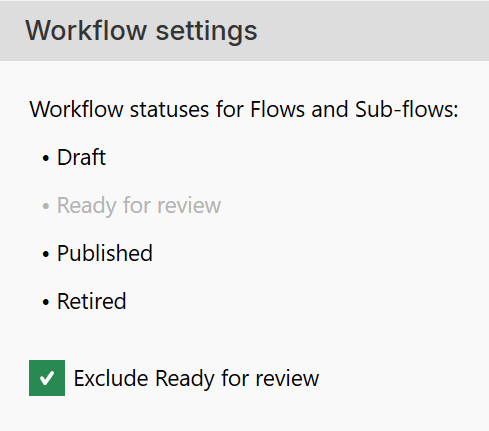
When you choose to exclude the Ready for review option, you will no longer be able to change the status of a flow or sub-flow from Draft to Ready for review.
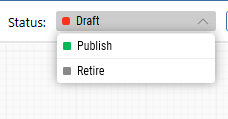
You can control how the status of published flows and sub-flows is handled.
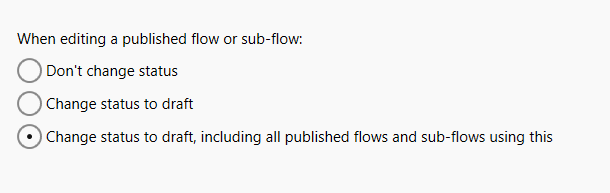
The recommended setting is Change status to Draft, including all published flows and sub-flows using this.
With this setting enabled, Leapwork automatically changes the status to Draft whenever you edit a published flow or sub-flow.
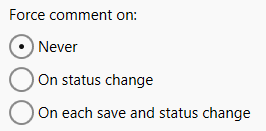
You can decide whether users must add a comment when saving changes to flows or sub-flows. The recommended setting is On each save and status change.
With this setting enabled, Leapwork requires users to add a comment describing the committed change before any updates to flows or sub-flows can be saved.
You can choose whether to exclude the Ready for review status for both flows and sub-flows.
Note: Workflow settings are available when logged in as an administrator.
Selecting the Never radio button saves without requiring comments.
You can decide whether users must sign in with their Leapwork credentials when changing the status of flows to Published. The recommended setting is Never.
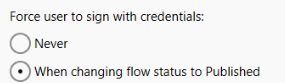
With this setting enabled for When changing flow status to Published, any flow whose status is updated to Published will require the user to sign in to Leapwork Flow before the change can be applied.
Note: Only administrator users can change this setting