
The Comment block is used to add internal notes or explanations within an automation case. These comments have no impact on execution and are purely informational, serving as documentation for contributors and administrators working on complex or long-running flows.
This block helps improve maintainability and readability, especially in flows that are handed over between team members or revisited after long intervals.
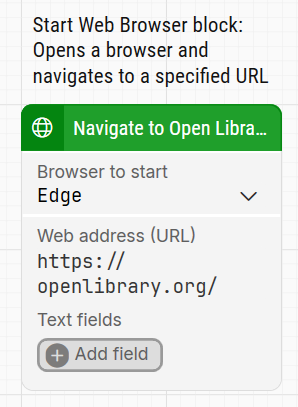
Note: The screenshot on this page uses the Elegance Design, introduced in 2025.3. If you are using an earlier version, your layout may look different.
Quick-start
-
Drag Comment onto the canvas.
-
Double-click the block and type your comment.
-
Run the flow when it’s ready (the comment has no effect on execution).
Building block parameters
This block has no configurable parameters. Instead, it contains a simple text field where you can enter any internal comment. The text area expands automatically to fit the content.