
The Leapwork Performance Admin Portal provides customer administrators with a single place to:
-
Manage administrative access
-
Review subscription and capacity information
-
Monitor administrative activity for their company
This guide is for customer admins responsible for governing Leapwork Performance in their organization.
Before you begin
Make sure:
-
You have an active Leapwork Performance account with admin access for your company.
-
You can sign in through your organization’s single sign-on (SSO) flow.
-
If your account has not been provisioned, or if your account is inactive, you have contacted your Leapwork representative or the Customer Success team.
What you can do in the Admin Portal
|
Area |
What you can do |
|---|---|
|
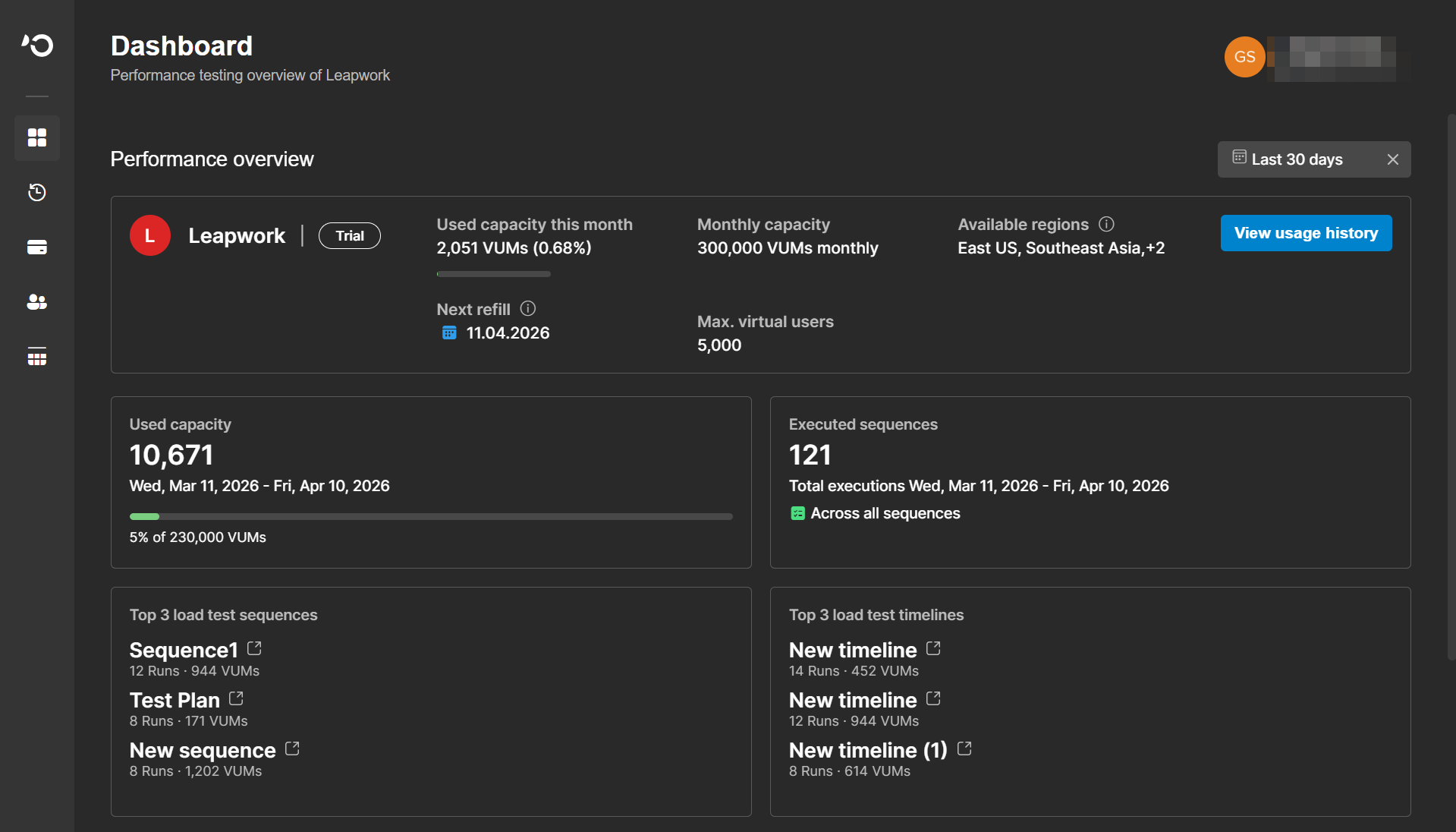
Dashboard |
Review capacity, recent usage trends, plan information, and company-level metrics |
|
Usage History |
See how VUH capacity has been allocated and consumed over time |
|
License |
Review plan entitlements, retention period, refill timing, and virtual user limits |
|
User Management |
Invite users, update roles, reinvite inactive users, and remove access |
|
Audit Logs |
Search and export administrative activity for governance and troubleshooting |
Navigate the portal
Use the left navigation to access the main administration areas:
-
Dashboard
-
Usage History
-
License
-
User Management
-
Audit Logs
Quick guidance
Use these pointers to choose the right area:
-
Start with Dashboard for a high-level view of usage and entitlements.
-
Open Usage History when you need to understand how capacity has changed over time.
-
Use License when you need to confirm plan limits or refill timing.
-
Use User Management when you need to control access for your company.
-
Use Audit Logs when you need an administrative trail for review, governance, or troubleshooting.