
A silent install is the installation of a software program that requires no user interaction. It is a convenient way to streamline the installation process of a desktop application like Leapwork Flow, Leapwork Controller or the Leapwork Agent.
Here is how you can perform both online and offline silent installations of Leapwork in your organization:
Online Silent Installation
-
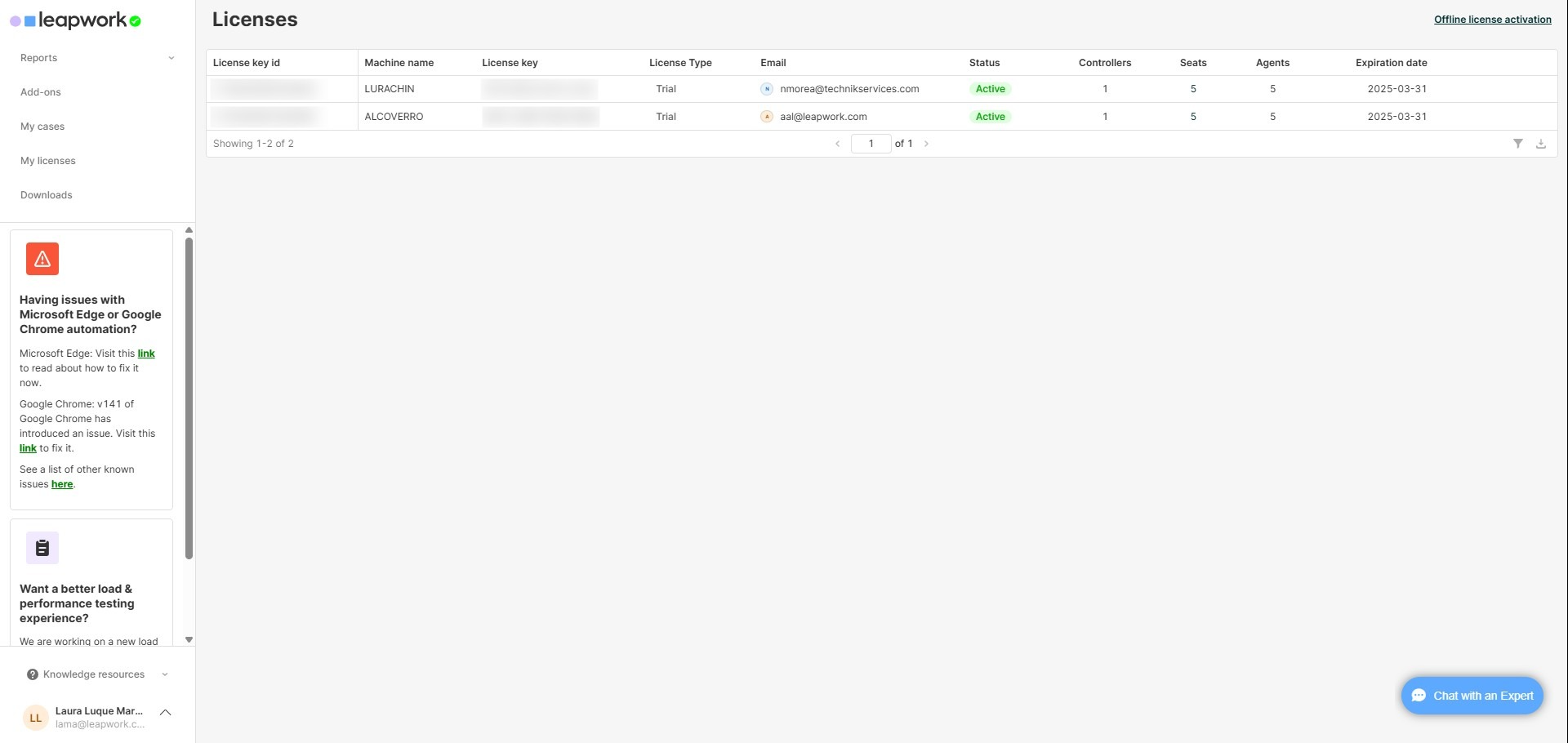
Get your License Key from the Customer Portal.
-
Run CMD as administrator.
-
Modify the MSI code to include the LICENSE_KEY parameter.
-
Run the MSI command once.
msiexec /i "C:\Users\localadmin\Downloads\LEAPWORK_Experimental_x64_2025.4.0.msi" /qn /norestart /L*V "D:\logs\exampleSilent.log" API_ACCESS_KEY="XXXXXX" LEAPWORK_AGENT_PORT="6777" LEAPWORK_CONTROLLER_PORT="9000" LEAPWORK_CONTROLLER_API_PORT="9001" LEAPWORK_CONTROLLER_PASSWORD="admin" LICENSE_KEY="XXXX-XXXX-XXXX-XXXX" -
Open Leapwork Flow.
-
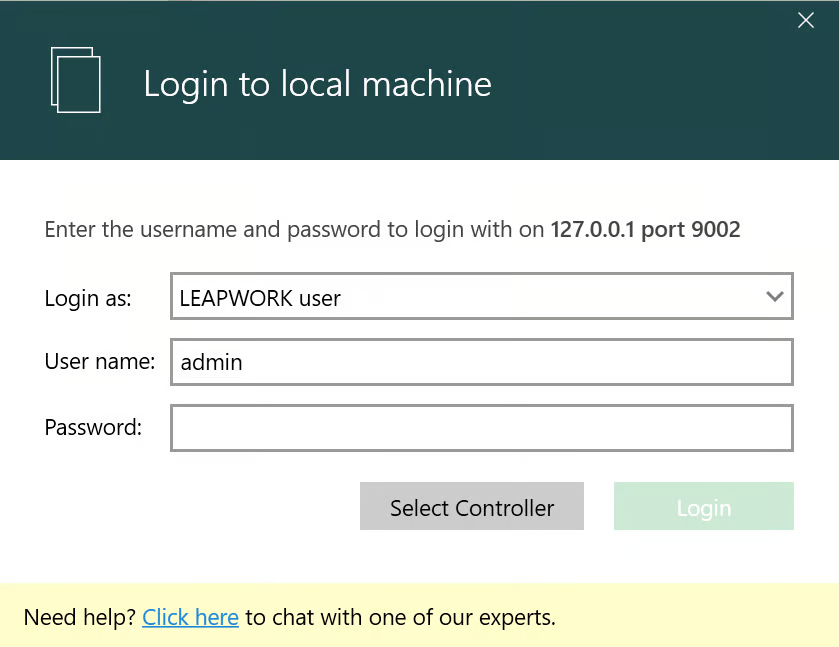
Log in as Admin.
-
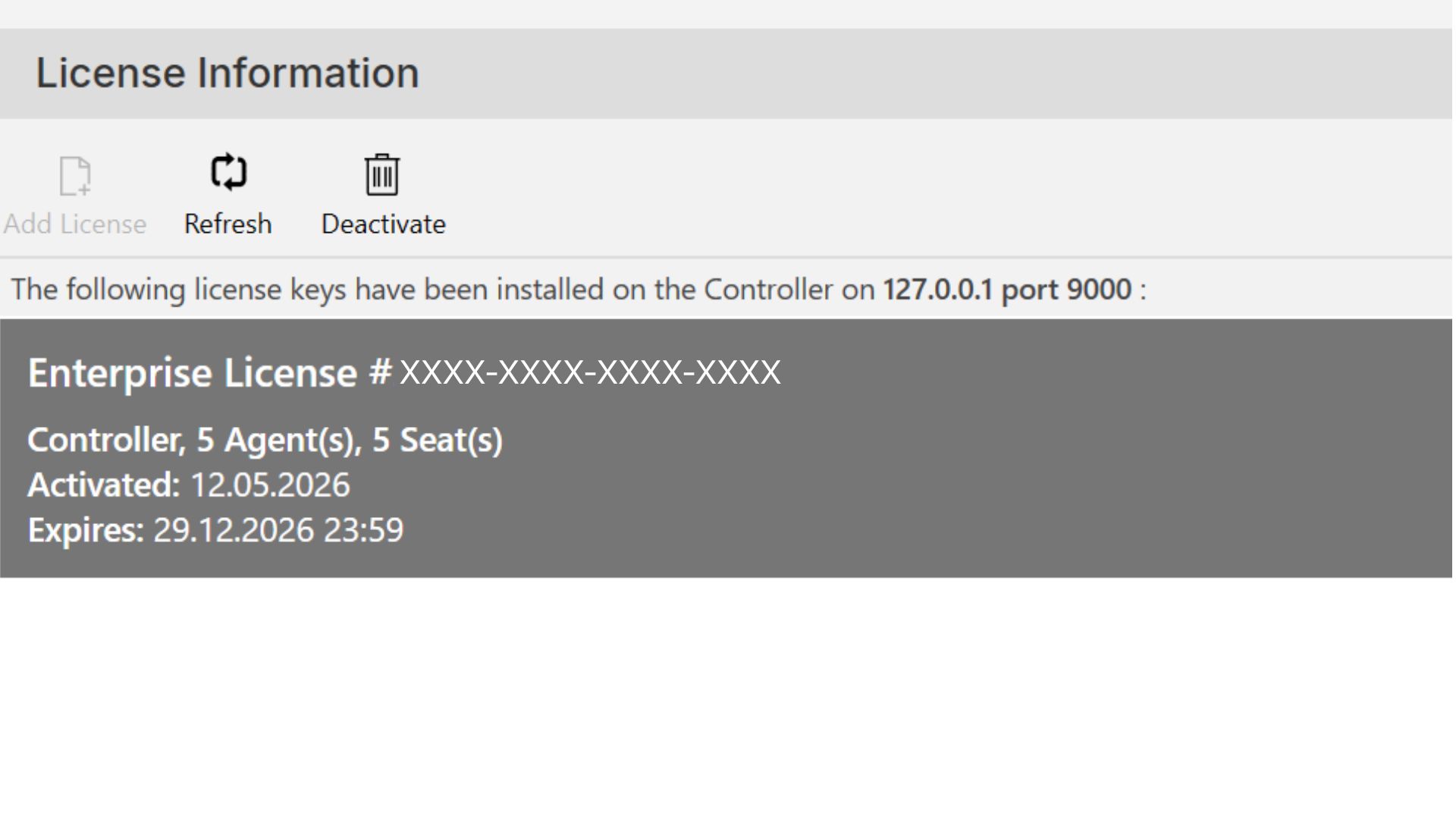
Check your license information in the License Management Section.
Offline Silent Installation
-
Use an online pc to get your License Key from the Customer Portal.
-
Run CMD as administrator.
-
Modify the MSI code to include the LICENSE_KEY parameter.
-
Run the MSI command once to obtain the REQ file.
msiexec.exe /i "MSI FILE DESTINATION PATH" /qn /norestart /L*V "C:\logs\msilog.log" LICENSE_KEY="XXXX-XXXX-XXXX-XXXX" GENERATE_REQ_FILE="C:\Temp\req\" -
Transfer the REQ file to the online PC.
-
Go to License Section in the Client Portal.
-
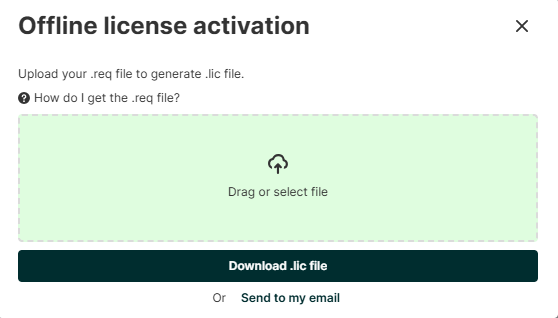
Click Offline License activation link.
-
Upload the REQ file in the Offline license activation window.
-
Click Download LIC file button. The LIC file will be saved in the local system.
-
Transfer the LIC file to the offline PC.
-
Run the MSI code and make sure that you include the LIC file destination path.
-
For Trial and Platform versions:
msiexec /i "C:\Users\UserName\Downloads\Leapwork_Experimental_x64_2025.4.0.msi" /qn /norestart /L*V "C:\Temp\msilog.log" LICENSE_KEY="XXXX-XXXX-XXXX-XXXX" UPLOAD_LIC_FILE="C:\Temp\lic\ls_activation.lic"
-
For Enterprise versions:
msiexec /i "C:\Users\PrakeertiMisra\Downloads\Leapwork_Experimental_x64_2025.4.0.msi" /qn /norestart /L*V "C:\Temp\msilog.log" API_ACCESS_KEY="XXX" LEAPWORK_AGENT_PORT="6777" LEAPWORK_CONTROLLER_PORT="9000" LEAPWORK_CONTROLLER_API_PORT="9001" LEAPWORK_MSSQL_ASSET_DB_NAME="Asset" LEAPWORK_MSSQL_REPORT_DB_NAME="Report" LEAPWORK_MSSQL_CONNECTION_TYPE="StandardSecurity" LEAPWORK_MSSQL_INITIAL_CATALOG="master" LEAPWORK_MSSQL_INTEGRATED_SECURITY="SSPI" LEAPWORK_MSSQL_SERVER_ADDRESS="WIN-19XX/SQL" LEAPWORK_CONTROLLER_PASSWORD="admin" LEAPWORK_MSSQL_USER_NAME="admin" LEAPWORK_MSSQL_PASSWORD="*****" LICENSE_KEY="XXXX-XXXX-XXXX-XXXX" UPLOAD_LIC_FILE="C:\Temp\lic\ls_activation.lic"
-
-
Open Leapwork Flow.
-
Log in as Admin.
-
Check your license information in the License Management Section.
If you need any clarification, please contact our Priority Support.