
This section helps you repair sub-flow issues that can affect revision history and connectors.
The Fix sub-flow’s revision and Fix sub-flow’s connectors buttons are available in Leapwork Flow, under Settings and then Database Management.
-
Use Fix sub-flow's revision history if you upgraded from an older Leapwork version and sub-flows fail because of revision history changes in the database.
-
Use Fix sub-flow's connectors if you upgraded from an older Leapwork version and sub-flows show multiple input or output connectors because of revision history changes in the database.
Note: Database Management settings would be available if you are logged in as an administrator.
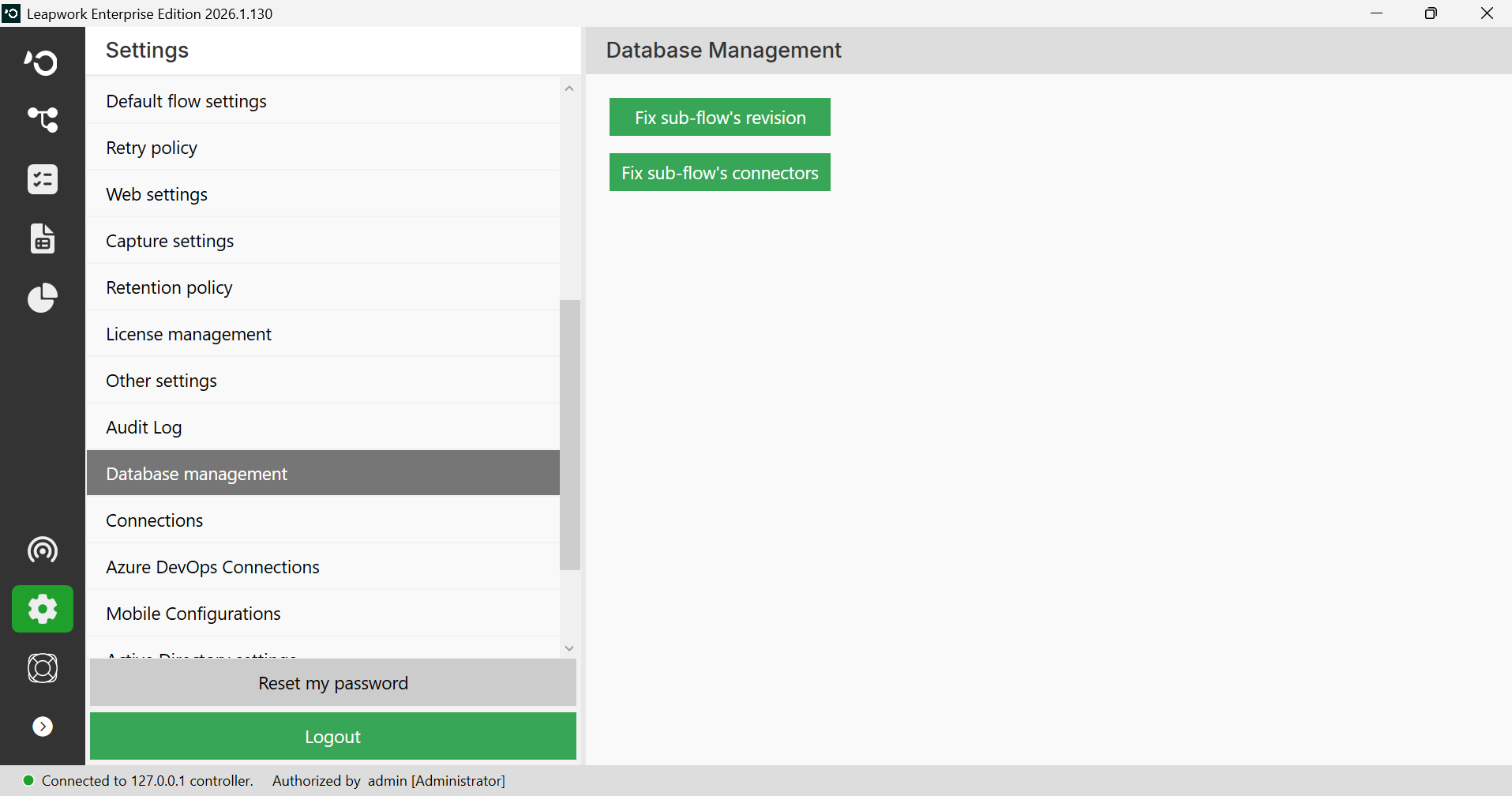
Note: The screenshots on this page use the Elegance Design, introduced in 2025.3. If you are using an earlier version, your layout may look different.
Fix sub-flow's revision history button: If you upgraded from an older Leapwork version and face flow failures in sub-flows due to revision history changes in the database, this is helpful.
Fix sub-flow's connectors button: If you upgraded from an older Leapwork version and face issues with sub-flows showing multiple input/output connectors due to revision history changes in the database, this is helpful.