
The Web Settings centralizes customization of web application-specific settings to boost the product's performance and adaptability across web operations. It enables you to adjust settings directly, optimizing performance and the overall experience in diverse web environments.
The Limit Salesforce Strategy option within Web Settings allows you to restrict the number of strategies created for elements in Salesforce applications, preventing performance issues caused by too many strategies.
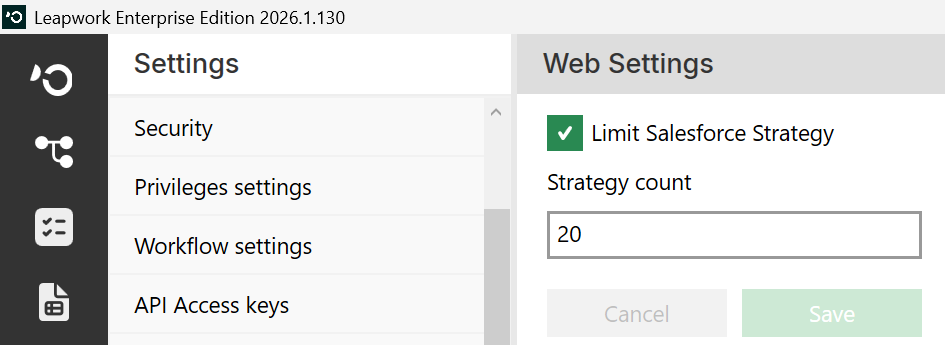
Note: The screenshots on this page use the Elegance Design, introduced in 2025.3. If you are using an earlier version, your layout may look different.
Limit Salesforce Strategy
The Limit Salesforce Strategies checkbox aims to prevent potential performance issues that could occur from generating too many strategies for a captured element in Salesforce applications.
Note: The Limit Salesforce Strategies option is enabled by default.
The Strategy Count field is hidden when the Limit Salesforce Strategies option is disabled.
Strategy Count
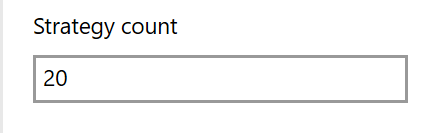
The Strategy Count field lets you set the maximum number of strategies generated for elements in Salesforce. You can enter an integer between 1 and 2,147,483. If you enter a value outside this range, an error message will be displayed.
Note: The default setting for the Strategy Count Field is 20.
The Save button saves all details.
Note: Web Settings will expand to cover more web application configurations, making it a flexible platform for enhancing web application performance and user experience.